Tutorials
Free Video Tutorials Presented by Precomposed


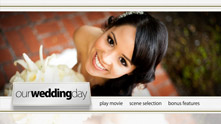
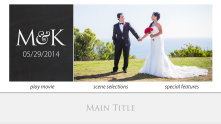
This 8-part video tutorial series will guide you through all the steps of creating stunning motion menus and packaging with our Pro Motion Menu Kits for your DVD & Blu-ray projects. Tutorials are presented via MediaZilla.


This 3-part video tutorial series is a complete guide to using our Zip Kit motion menus and packaging templates. Tutorials demonstrate how quickly you can author a DVD & Blu-ray project with these templates directly from the Adobe Encore library.

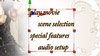
Multiply Menus of Our Templates (27 minutes)
- Render Many Pages of Scene Selections in After Effects
- Repeat Process for Multiple Pages of Special Features

Changing a Buttons Clickable Area (8 minutes)
- Change the Clickable Area of a Button in Adobe Encore
- Using Shortcut Keys and Other Tips for Button Highlights
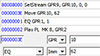
Adobe Encore Blu-ray Subtitle Fix (12 minutes)
- Fix an Encore bug with Blu-ray Subtitles using BDEdit (PC)
- Build a Blu-ray image file using ImgBurn (PC)